

September 17, 2026
The Google Reviews QR code now writes the review for your customer
TL;DR
- A new type of QR code in QRCodeKIT: the customer scans, taps a star, answers three quick questions and AI turns those answers into a review they can post on their Google Business Profile.
- The three questions are proposed by Cleo from your Google listing, and you can rewrite them, add your own tap-to-answer suggestions and pick the tone of the text.
- An optional smart rating filter offers a private feedback form to customers who rate below your threshold, with the link to post on Google visible at every step, as Google requires.
- It is a dynamic QR code: change the questions, the tone or the look of the page without reprinting anything.
Most people who liked your business will never write a review about it. Not because they do not want to, but because the review box is empty and writing in it is work. A star rating takes a second; a paragraph takes five minutes nobody has while they are paying the bill.
That empty box is what the new Google Reviews QR code removes.
What changed
Until now, a Google Reviews QR code did one job: it opened your review form so the customer did not have to search for your business. Useful, but it left them exactly where the problem is, in front of a blank field.
The new type adds the part that was missing. After the star rating, your customer answers three short questions with tap-to-answer suggestions, and AI turns their answers into a natural review of a couple of paragraphs. They read it, edit anything they want, and one tap copies the text and opens your Google reviews page to publish it.
Nothing is invented. The text only says what the customer answered, and it is published from their own Google account.
Like every code you create in QRCodeKIT, it is a dynamic QR code: the printed code stays the same while the questions, the tone and even the Google listing behind it can change. If that distinction is new to you, we cover it in static versus dynamic QR codes.
What your customer sees
No app, no sign-up, and the page opens in the language of their phone.
- They scan and see your page: “How was your visit?” and five stars to tap.
- Three short questions, each with suggested answers they can tap, or they can write in their own words.
- AI writes the review. They can regenerate it or edit any word.
- One tap copies the text and opens your Google reviews page, where they paste and publish.
Put it into practice
Try QRCodeKIT Pro free for 7 days and see it work. No credit card required.
Start free trialThe questions come ready, and you can change them
You do not paste a review link. You search for your business by name inside QRCodeKIT and pick the right Google listing. Cleo, the AI assistant, reads that listing and proposes the three questions and the suggested answers that fit it: a vet clinic gets asked about the pet and the staff, a restaurant about the dish and the service.
From there you decide. Rewrite any question, add your own answers, and choose the tone of the generated review: natural, enthusiastic, or short and direct.
What happens when someone had a bad time
By default everyone goes through the same flow. If you switch on the smart rating filter and set a threshold, customers who rate below it are offered a private feedback form first, with categories such as service, waiting time or price, and you get notified by email and in your dashboard.
The link to post on Google stays visible at every step. Google forbids blocking negative reviews, so the filter offers an alternative, it never closes the door.
Does this follow Google’s rules?
Google asks for reviews that are genuine, written and published from the customer’s own account, never filtered by rating and never paid for. This flow is built on those rules: the text reflects only the customer’s own answers, they publish it themselves, and nobody is prevented from posting.
The usual caution still applies to any review campaign: do not offer discounts, gifts or anything else in exchange for a review.
Where to put it
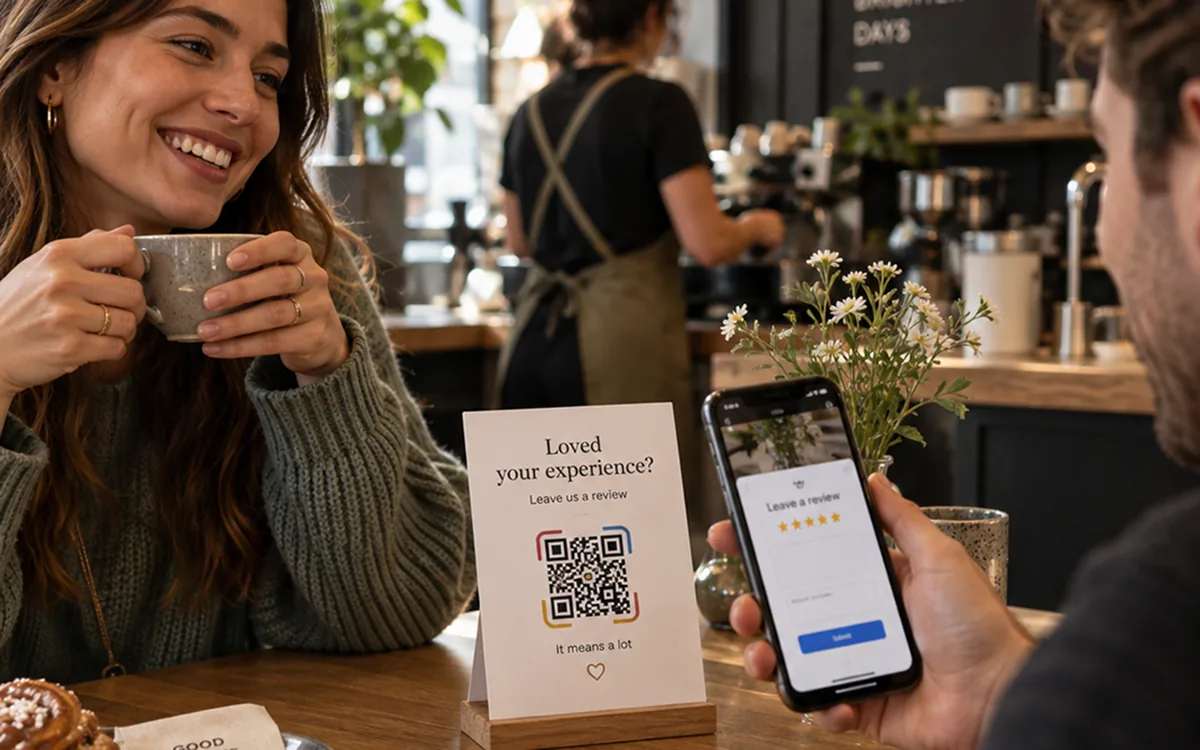
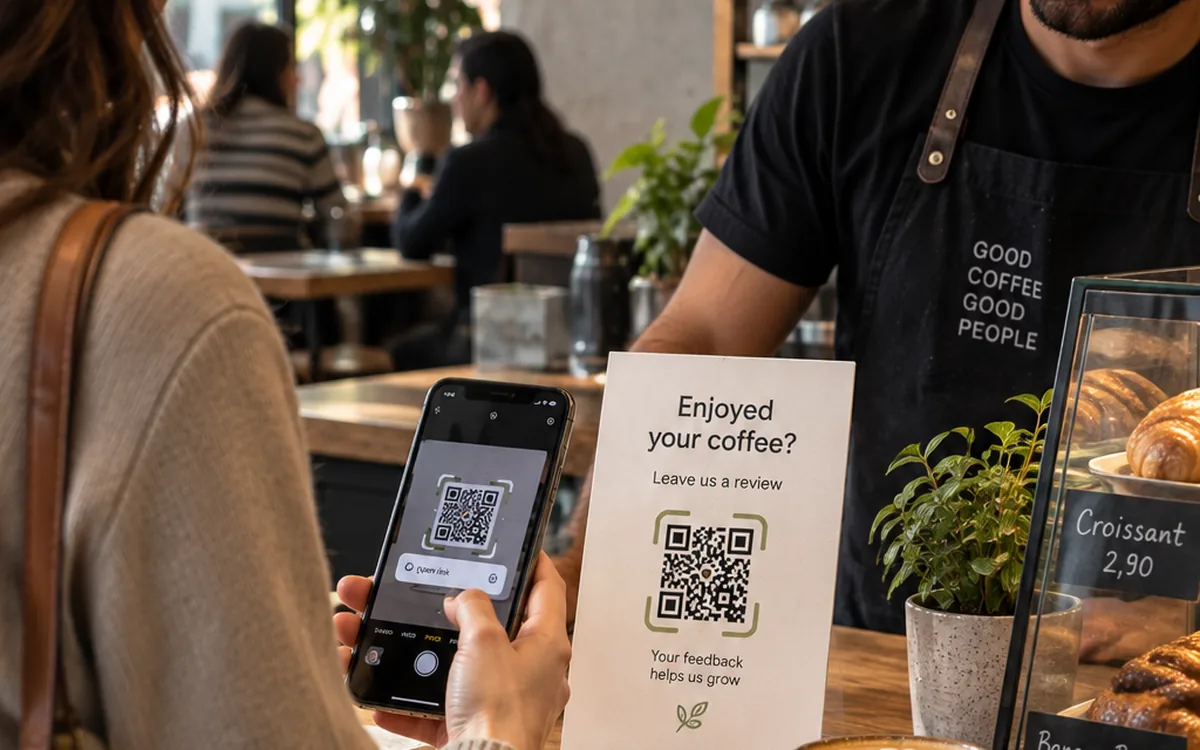
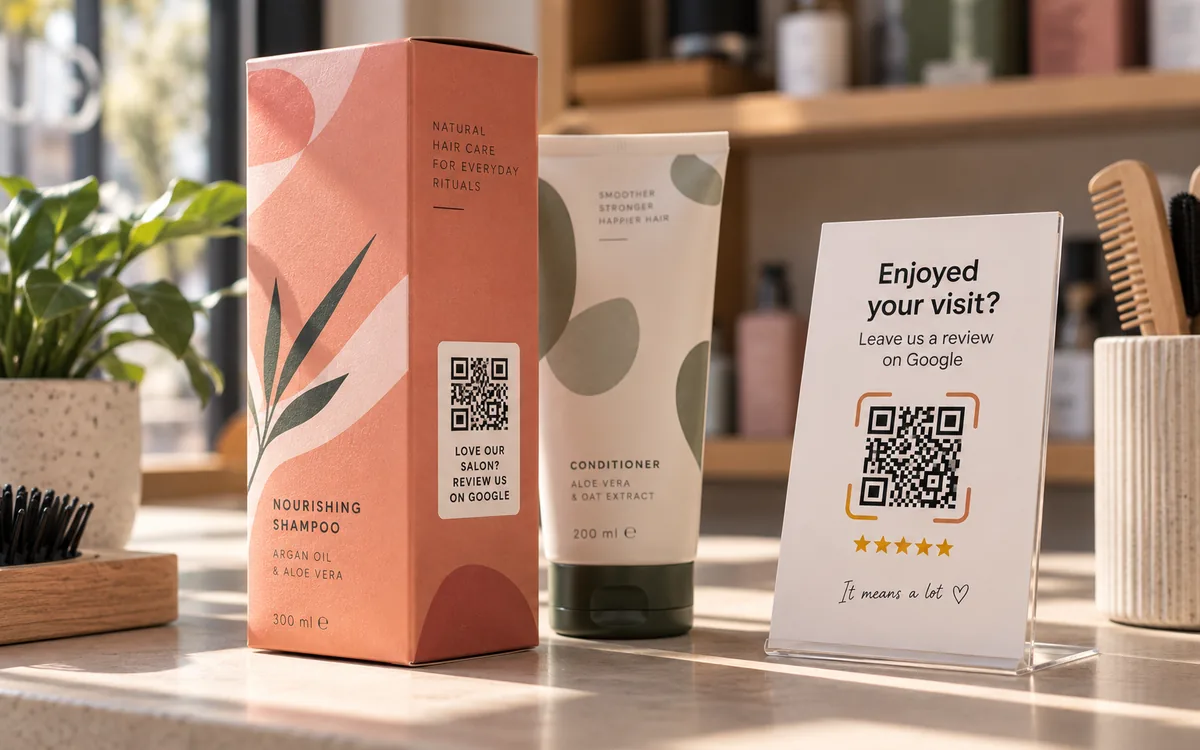
The best moment to ask is while the experience is still fresh and the customer is still there. Table tents, the counter, the receipt, the packaging, an invoice, the back of a business card or a follow-up email. It is the same logic behind review collection in restaurants, hotels and hospitality or retail.
Each Google listing has its own review page, so create one code per location and group them in a project to compare them. If you turn on Team and locations, you can also see which member of your team earns the most reviews.
How to create one
Create a QR code, choose Google reviews with AI, search for your business, review the three questions Cleo proposes and publish. Everything you can set up is on the Google Reviews QR code page, and the printed code never changes: questions, tone and destination are all editable afterwards.
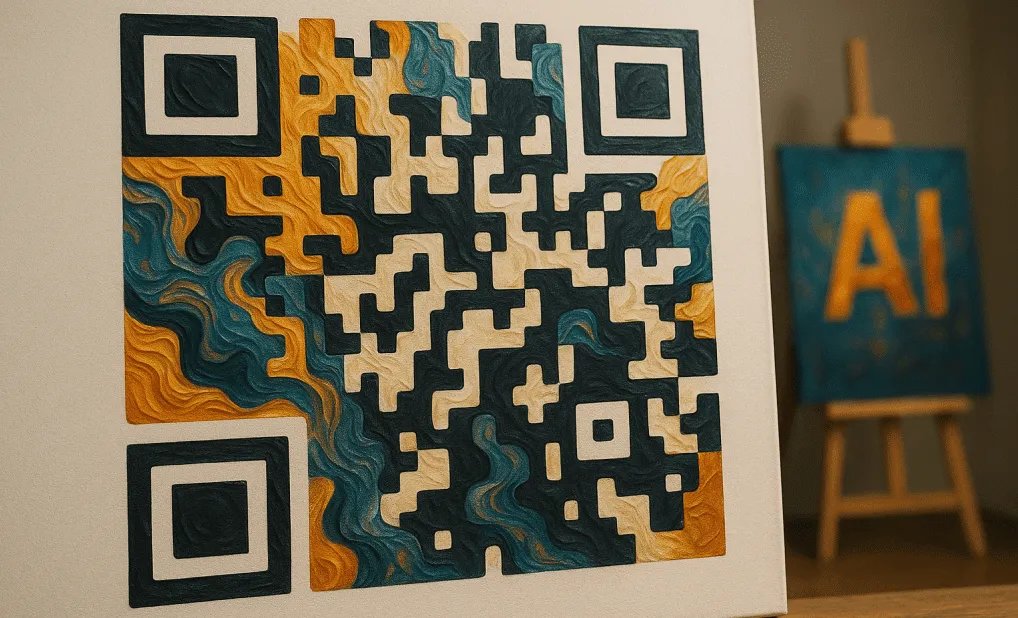
The code itself can carry your brand, or become an AI artistic design people want to scan. You can start on the free plan and see the limits on plans and pricing.
Related articles

EU-hosted QR code platforms: what data residency changes for the buyer
Which QR code platforms host scan data in the EU, where EU-US transfer rules stand in 2026, and five questions to put to any vendor in writing.
AI-generated QR codes: How to create AI QR code art that scans
AI-generated QR codes turn a working code into an image made from your prompt. How they work, how to make one in QRCodeKIT, and prompts that scan.

The barcode is being replaced: Paula Rivero in Forbes
QRCodeKIT COO Paula Rivero explains in Forbes why GS1 Sunrise 2027 matters for brands, and the three steps to take this quarter.
Try QRCodeKIT Pro free for 7 days.
No credit card required. The original dynamic QR code platform since 2009.
