

AI-generated QR codes: How to create AI QR code art that scans
AI-generated QR codes, also called AI QR code art, are working QR codes redrawn by a generative image model, so the code becomes part of a picture instead of a black-and-white square stuck on top of one. They carry the same data as any other code and open on any phone camera. This guide explains how they work, how to create one in QRCodeKIT, how to write prompts that look good and scan, and where they earn their place on packaging, print and screens.
What are AI-generated QR codes?
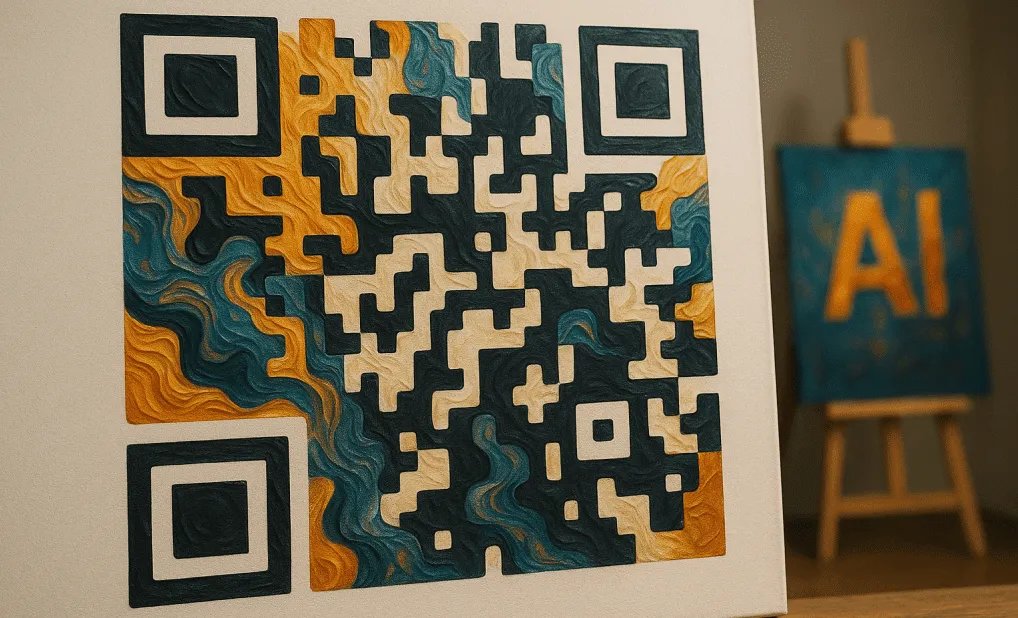
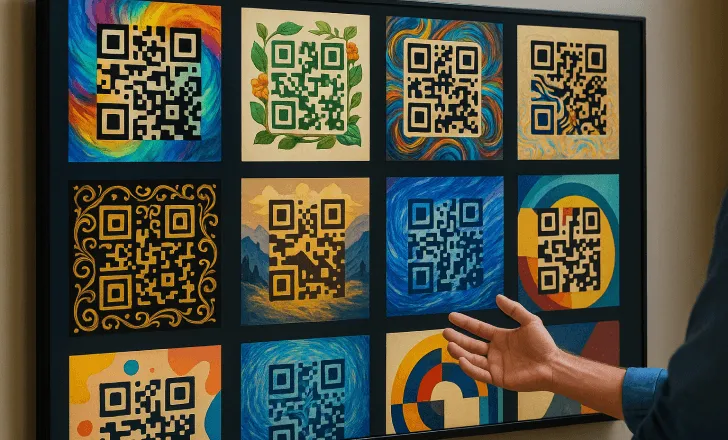
An AI-generated QR code, also called AI QR code art or an artistic QR code, is a QR code whose modules have been reshaped by artificial intelligence into an image: a landscape, a pattern, a product scene, a brand illustration. The finder squares and data pattern are still there, just expressed through light and dark areas of the artwork rather than a plain grid.
That is the difference from a standard custom QR code. Changing colours, rounding corners or adding a frame decorates a code. AI art rebuilds it, so the code can sit inside a poster, a label or a menu as if it had been designed for it.
It is also different from what QRCodeKIT calls AI QR codes: codes that open Cleo, an AI assistant that answers the questions of whoever scans. AI art puts the intelligence into how the code looks. Cleo puts it into what happens after the scan. You can use both on the same code.
How do AI-generated QR codes work?
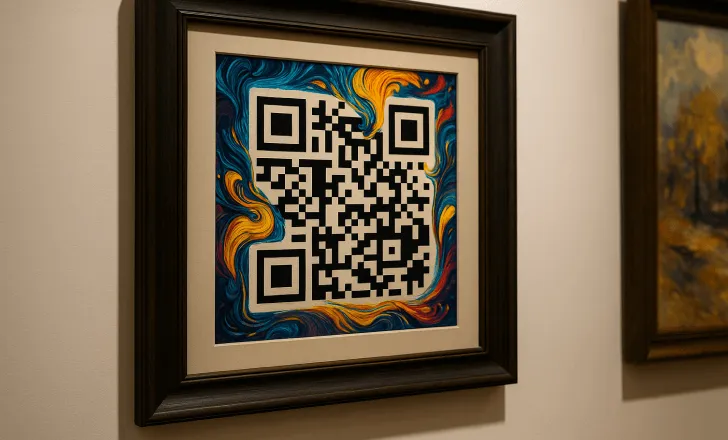
Most AI QR code art comes from diffusion image models, the approach popularised by Stable Diffusion with ControlNet. The generator first encodes your link as a normal QR code. That code then acts as a structural guide while the model paints an image from your prompt, pushing dark and light areas of the picture to line up with the code's dark and light modules.
The result is one image that reads as art to a person and as a QR code to a scanner. Because generation is probabilistic, some outputs lean further towards the art than others. Good tools manage that trade-off for you: QRCodeKIT runs a model tuned to keep codes readable and generates several variations at once, so you pick a design that both looks right and scans.
How to create an AI-generated QR code with QRCodeKIT
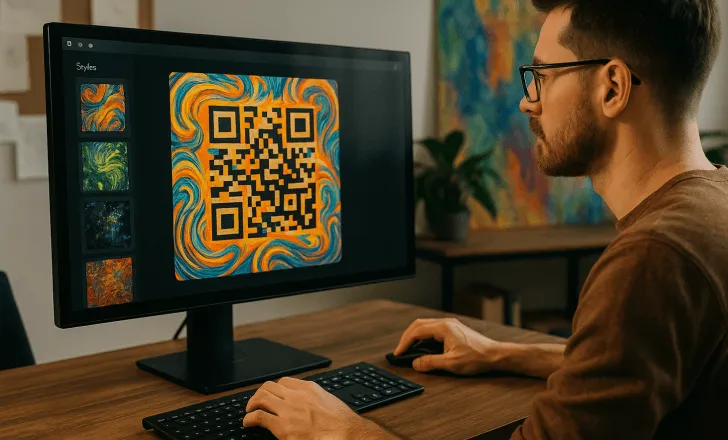
The AI styling lives inside the normal QR code workflow, so the code keeps everything a dynamic QR code has: an editable destination, analytics and every QR type.
- Create a QR code, or find an existing one, and choose its destination: a website, PDF, vCard, menu, social profile or any other type.
- Open the code's three-dot menu and click Customize QR.
- Click Try it now in the "Beautify your QR code AI-Powered" banner.
- Write a prompt describing the image you want, or start from one of the preset styles.
- Click Reimagine QR code. You get four variations.
- Scan the variations with your own phone, pick the one that looks best and scans quickly, and download it.
The step-by-step help article shows each screen. For examples of finished designs, see the artistic QR codes gallery.
How do you write a good prompt for AI QR code art?
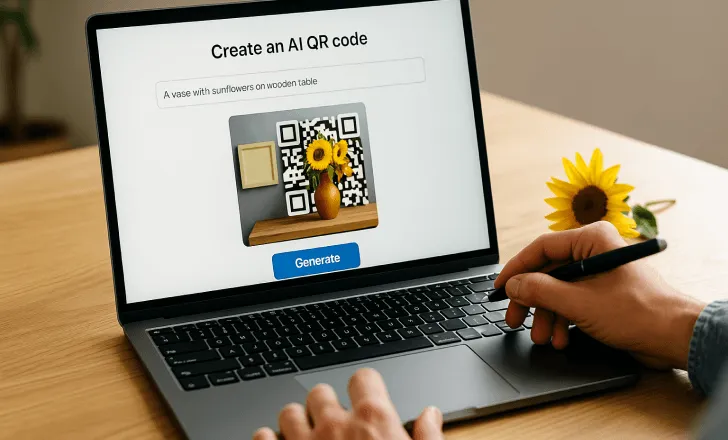
The best prompts are simple but specific. "Nature" gives the model too little to work with; "green forest in spring light" gives it a scene, a palette and a mood. "City" becomes "New York skyline at night with lights". A prompt we use in our own gallery reads: floral QR code on a marble table at sunset, overlooking the ocean, elegant, romantic, warm light.
A useful prompt usually names four things:
- Subject: what the image shows (flowers, a coastline, coffee beans, a city).
- Style: watercolour, minimal, retro, photographic, futuristic.
- Colour and light: your brand colours, warm or cool light, high or low contrast.
- Mood: elegant, playful, festive, technical.
A few prompts to start from:
- A QR code made of vines and flowers
- Cyberpunk neon cityscape
- Retro-futuristic pixels
- A stormy ocean with a lighthouse
Scenes with strong natural contrast, such as foliage, architecture or textured materials, tend to hide a code well. Very pale or very busy scenes make the code harder to read. Seasonal and event themes work well because they give you a reason to refresh the design while the destination stays the same.
Put it into practice
Try QRCodeKIT Pro free for 7 days and see it work. No credit card required.
Start free trialWill an artistic QR code still scan?
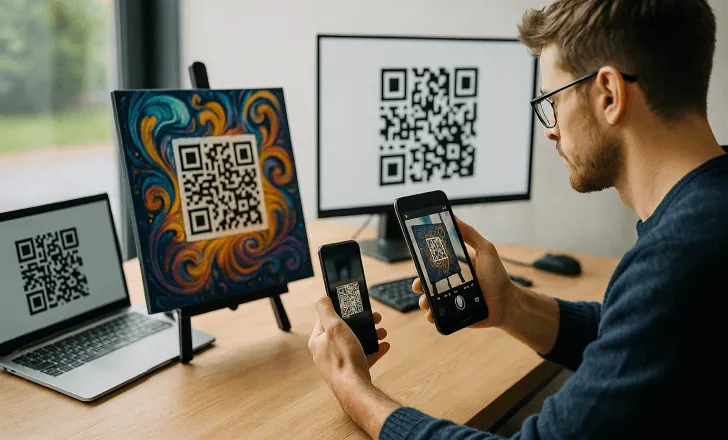
Yes, if you choose and test it properly. Generative models introduce variation, so not every output scans equally well. That is why QRCodeKIT returns four variations: in practice at least one of them is reliably scannable, and often all four are.
Before anything goes to print:
- Keep strong contrast between the code's dark and light areas.
- Keep the quiet zone, the blank margin around the code, clear.
- Avoid fine detail that disappears at small sizes.
- Scan with several phones and camera apps, in normal and dim light.
- Print a proof at the final size and on the final material, then scan it again.
Gloss, curved surfaces and small print sizes are the usual reasons a code that scans on screen fails in the real world. Our guide to making artistic QR codes scannable goes deeper on size and contrast.
Are AI QR codes dynamic?
On QRCodeKIT, yes. Every code is dynamic, including the artistic ones, so the image you print points to a short link you control. You can change the destination at any time without touching the design, which means a label, a poster or a business card keeps working after the campaign behind it changes. Read more on how dynamic QR codes work.
Dynamic codes also bring analytics: scan counts, dates and times, locations and device types. With artistic codes that makes creative testing possible. Run two designs on two placements and let the scans tell you which one people respond to.

Where do AI-generated QR codes work best?
Anywhere the code is part of the design rather than an afterthought, and especially where a physical object needs to lead somewhere digital:
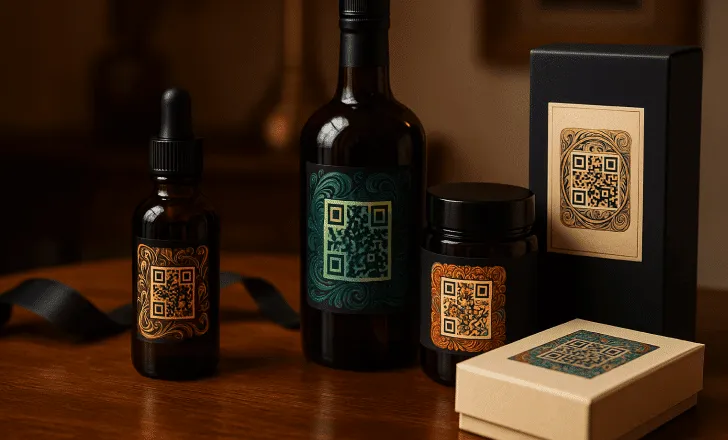
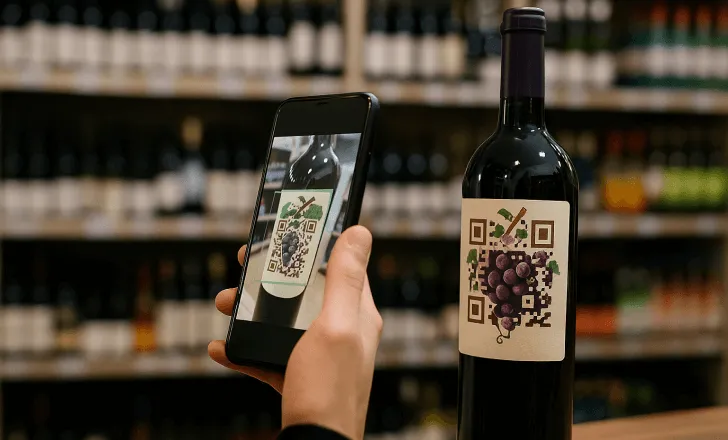
- Product packaging and labels: beverage, cosmetics, food and limited editions, where a plain square would break the artwork.
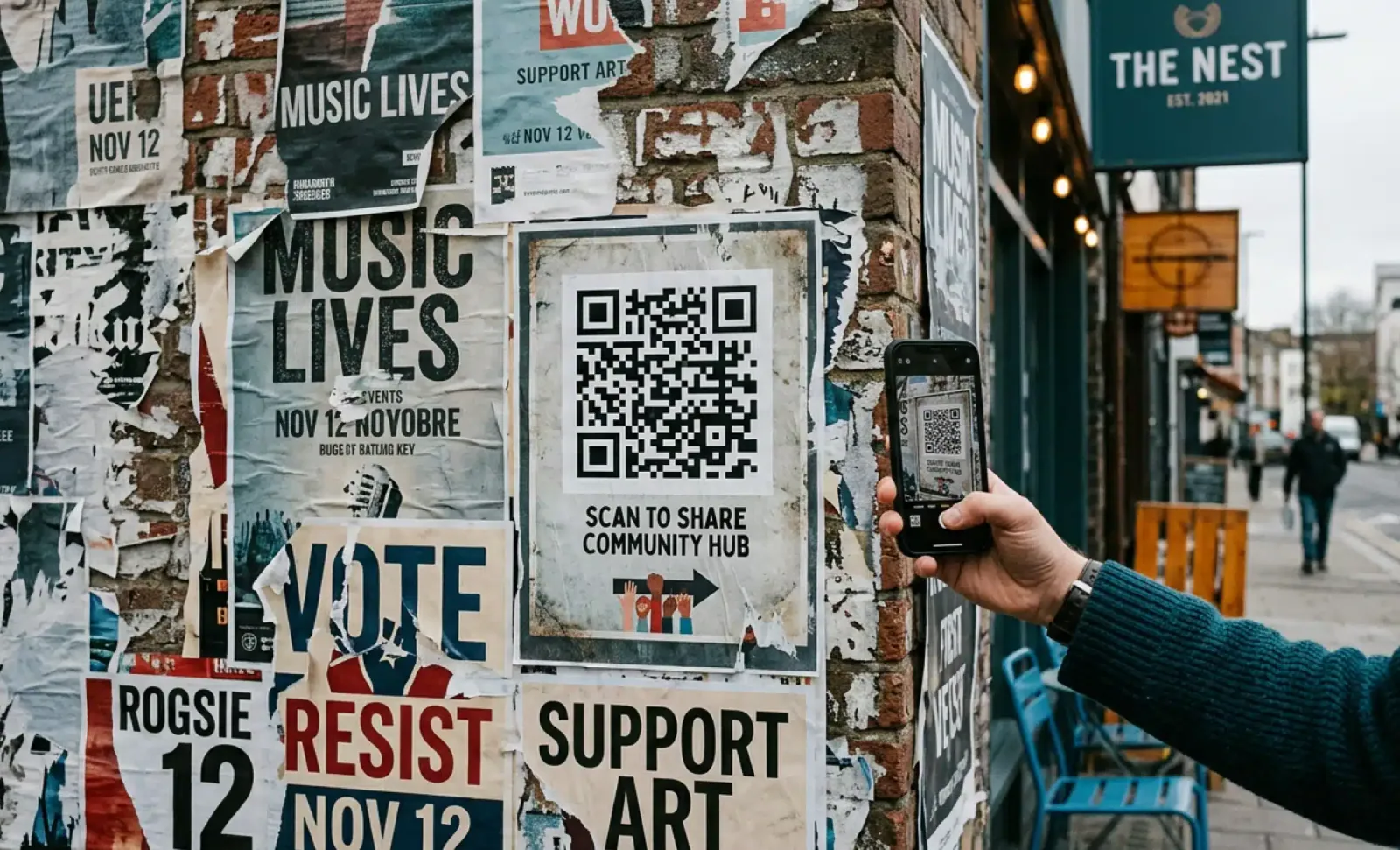
- Posters, flyers and out-of-home: festival posters, shop windows, bus shelters.
- Menus and table cards that match the room.
- Business cards and event badges.
- Screens and presentations, where people scan from across the room.
- Museums and galleries: a code styled after the work it sits beside, leading to audio guides or the artist’s story.
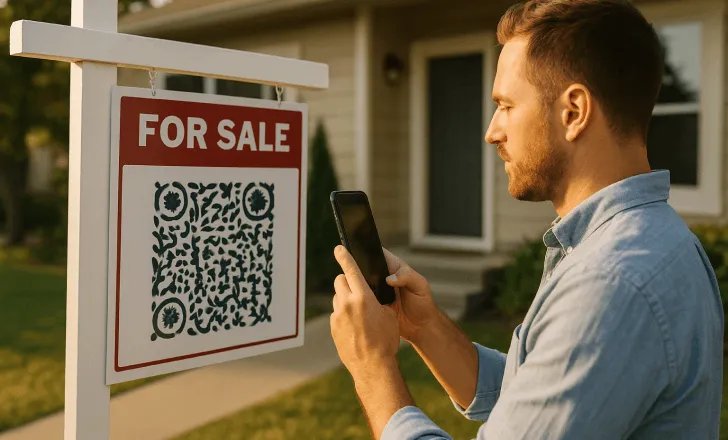
- Real estate signs: a design that matches the property, linking to the listing, photos or a virtual tour.
- Event invitations and wedding signage that match the theme, with details you can update without reprinting.
- Book covers and merchandise, where the code becomes part of the artwork.
A better-looking code invites the scan instead of interrupting the design. For campaign ideas, see artistic QR codes in advertising.
Can you add your logo to an AI-generated QR code?
The AI styling generates the whole image from your prompt; it does not place a logo file inside the artwork. You can steer it towards your brand by naming your colours, style and motifs in the prompt. When an exact logo is essential, use QRCodeKIT's standard design tools, which add a logo, colours and a frame to a classic code.
What should you know before printing?
An AI design is a picture rather than a grid of squares, so it does not scale like a vector file. Download it at the largest size available, size it for the final format, and keep a margin around it. Then print a proof and scan it before the full run. A code on a bottle label, a bus-shelter poster and a business card each need their own check.
Are AI-generated QR codes the same as AI QR codes?
Not quite. "AI QR code" is used for very different products: AI that designs the code, AI that helps you manage codes, and AI that talks to the person who scans. AI-generated art is the design layer. The layer with the most impact is the scan itself, where Cleo answers questions about the product, menu or listing the code is attached to. Our guide to choosing an AI QR code generator explains how to tell them apart.
Are AI-generated QR codes free to create?
Yes. You can try AI styling on the QRCodeKIT Free plan, which includes two dynamic QR codes and needs no credit card. Paid plans add more codes, more scans, advanced analytics and bulk creation.
Can I use AI-generated QR codes commercially?
Yes. Codes you create in QRCodeKIT can go on packaging, advertising, signage, menus and any other commercial material.
Are AI-generated QR codes safe to scan?
As safe as any QR code from a reputable platform. The art does not change the data, and because the code is dynamic you control the destination and can change or deactivate it at any time.
How many designs do I get per prompt?
Four. Choose the one that looks best and scans quickly on your own phone, or adjust the prompt and generate again.
Do AI QR codes work on every phone?
Yes. They are standard QR codes and open with the native camera on iPhone and Android or with any QR reader. Test the final design on a few devices, as you would with any heavily styled code.
Ready to try it? Open any code in QRCodeKIT, click Customize QR, and describe the image you want. Browse finished designs on the artistic QR codes page.
Related articles

The barcode is being replaced: Paula Rivero in Forbes
QRCodeKIT COO Paula Rivero explains in Forbes why GS1 Sunrise 2027 matters for brands, and the three steps to take this quarter.

QR code for airbnb
Discover what a QR code for Airbnb should include this summer, from Wi-Fi and house manuals to the feedback QR that protects your Superhost rating this season.
Can QR codes be hacked?
Can QR codes be hacked? Learn how to spot malicious QR codes, avoid scams, and protect your personal data when scanning with your phone.
Try QRCodeKIT Pro free for 7 days.
No credit card required. The original dynamic QR code platform since 2009.
