

November 27, 2026
Branded short domains: why people trust your link and not a generic one
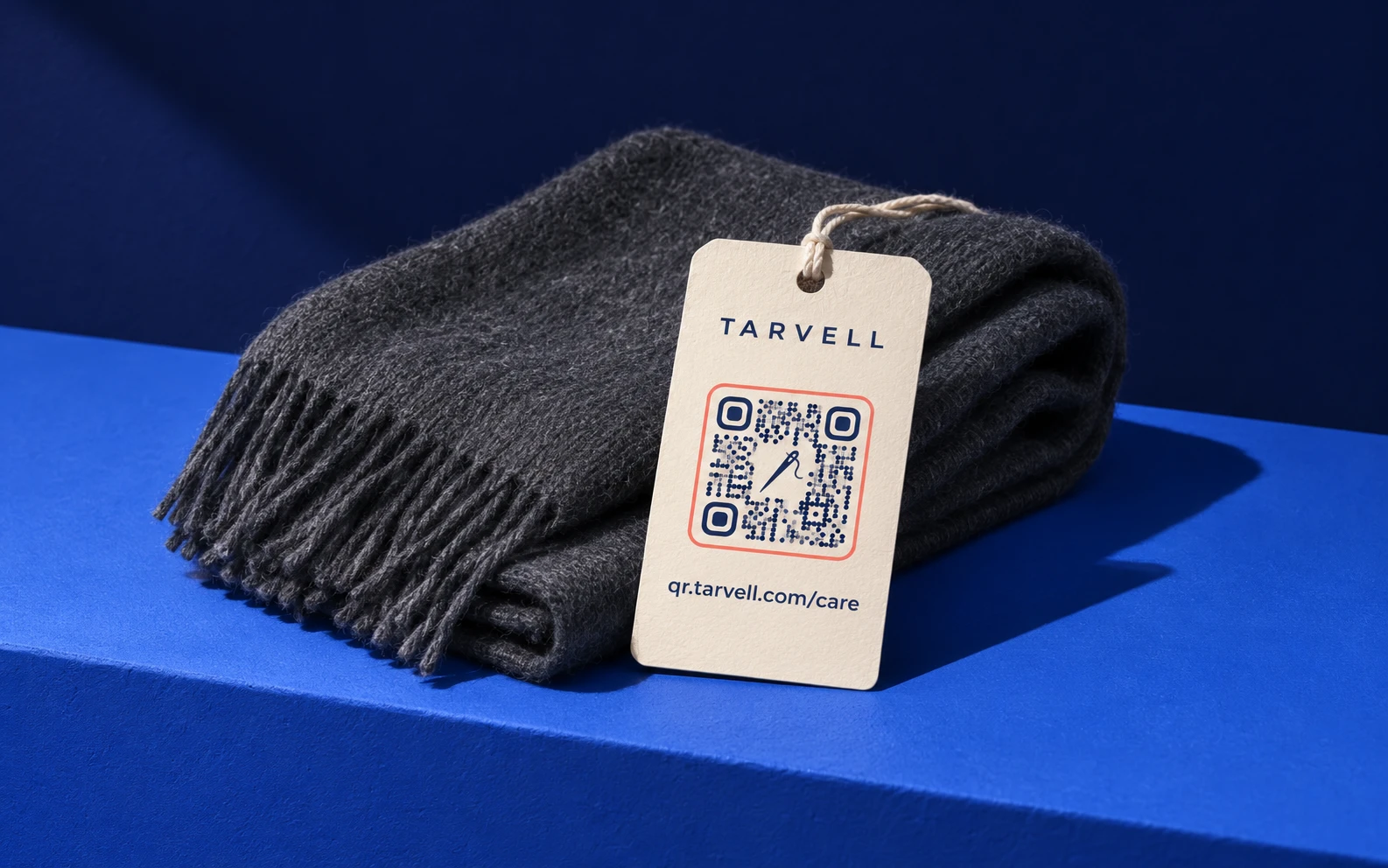
Before a QR code opens anything, the phone shows the person a link. In that moment the domain is the only part of your brand they can check, and it decides whether they tap. On a shared shortener it could belong to anyone. On a domain you own, it reads as you.
1. What people see before they open it
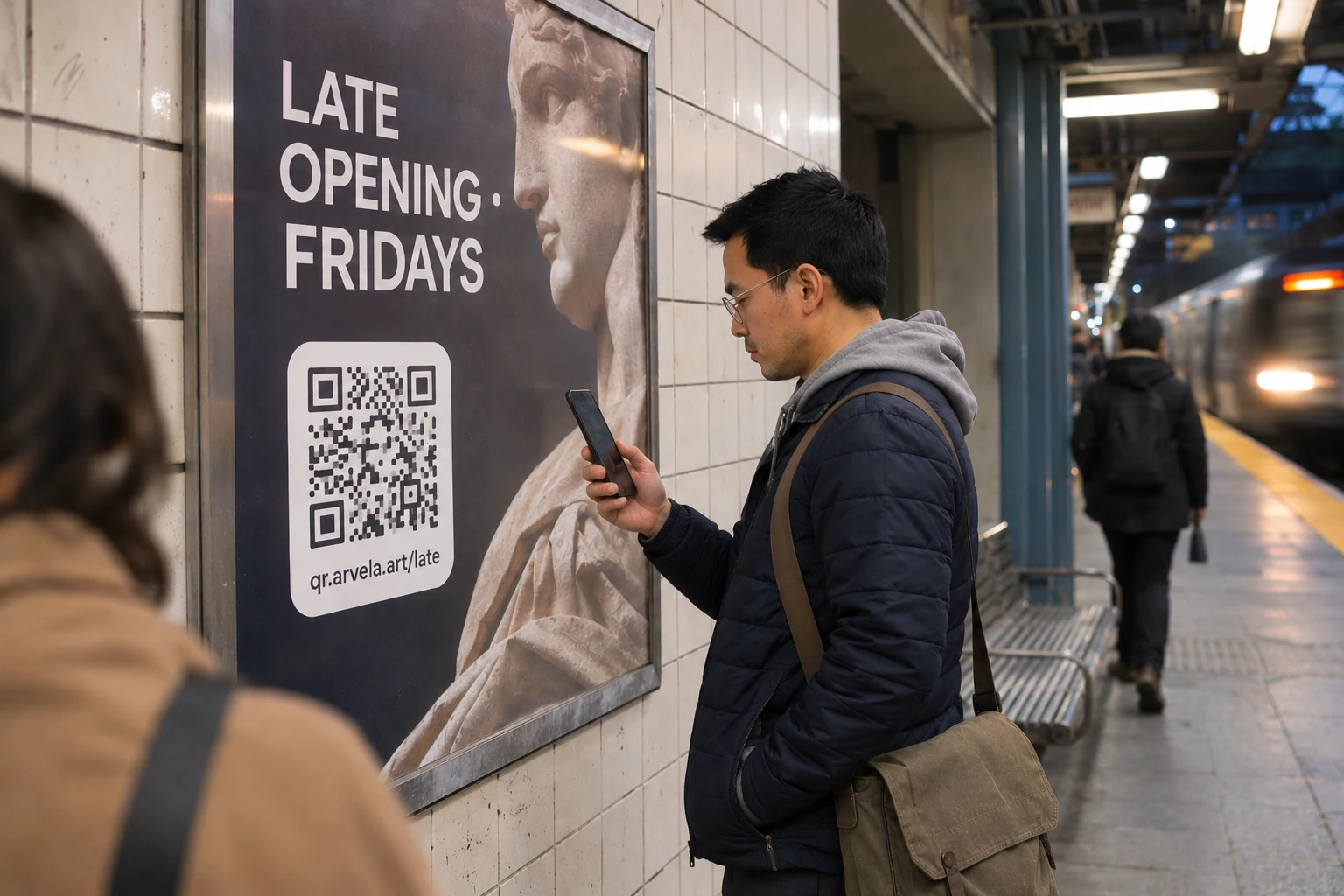
With the iPhone camera, Apple’s guide tells people to frame the code and tap the link that appears on screen. On a Pixel, Google’s help says the camera shows a bubble or link once it recognises the code. Either way, a person sees an address before anything opens.
Consumer advice now tells them to read it. Since December 2023 the FTC has told people to inspect the URL before opening a QR code and to look for misspellings or a switched letter. Its September 2026 alert about fake codes on parking meters repeats the point, noting that many QR readers preview the link. Your customers are being taught to judge your code by its domain, so give them one they recognise.
2. Your domain, or everyone’s
A shared short domain carries links from thousands of accounts. Our own default, qrkit.co, is a fair example: it tells a customer which platform made the code, not which brand is behind it. The same is true of every QR platform’s default domain.
A short link on your own domain, such as qr.yourbrand.com/menu, shows the name that is already on the pack, the poster or the shop window. A sticker placed over your code has to show some other domain, or a lookalike such as qr.yourbrand.com.example.net.
Not everyone checks. In a study presented at the USENIX Security Symposium in 2025, only 13% of participants recognised fraudulent QR payment requests, against 46% when they entered the payment details by hand. A domain people recognise won’t make everyone careful, but it gives the people who do look something to check against. Printing the domain in small type next to the code helps them, as we suggested for Black Friday week.
Put it into practice
Change where your code leads whenever you like, without reprinting it.
Start free trialPro free for 7 days. No credit card required.
3. Easier for IT to trust, too
In B2B, your codes are scanned by people at work, and their company’s security tools meet them in two places. A code that arrives in an email can be read by the mail filter: since December 2023, Microsoft’s email protection has detected QR codes in the body of messages and checked the links inside them. A code on a trade-show stand, in a manual or on a printed invoice is scanned with a phone, where the device’s web protection decides what opens. Microsoft Defender for Endpoint, for example, lets admins create indicators that allow or block URLs and domains, and supports URL and domain indicators on iOS and Android.
A shortener that anyone can sign up to carries everyone’s links, so a security team has every reason not to trust it as a whole. Your own subdomain carries only yours, so they can make a decision about it: one entry for qr.yourbrand.com, written with a wildcard such as qr.yourbrand.com/* where the tool needs one to cover every path, applies to all the codes you print. Their tools will still follow the redirect and check the page it leads to, as they should. What you avoid is your code being judged by the other links on a shared domain. Allowing a domain is always the customer’s decision; owning yours is what makes it possible.

4. Setting one up
- Choose a subdomain that will still make sense in five years: qr, go, scan or link. Leave campaign and product names out of it. Root domains and www aren’t supported.
- At your DNS provider, add a CNAME record that points the subdomain to whitelabel.qrkit.co.
- In QRCodeKIT, open Settings, then Custom domains, add the subdomain and ask our support team to activate it. Wait for their confirmation, then scan a test code before anything goes to print. Pro includes one subdomain; Enterprise includes several.
- Use the subdomain on codes that haven’t been printed yet. The short URL is part of the printed pattern, so it can’t change once a code is in print. The destination behind it can change whenever you like.
Codes already printed on qrkit.co keep working there. Adding a subdomain to your account doesn’t touch them, as long as you leave their short URL as it is. For codes on retail packs that must also scan at the till, the GS1 Digital Link standard applies, as our piece on five checks before printing on a million packs explains. Our guide to custom domains covers who really owns a “custom” domain on each platform and what a custom domain doesn’t change, and the help article has every click.
5. What we do on our side
Every QRCodeKIT short-link domain is monitored for phishing, and anyone can report a suspicious code at qrcodekit.com/report-abuse. Every report is reviewed within six hours, on our domains and on customers’ branded domains alike. For security teams weighing the bigger picture, our piece on trusted-domain QR codes goes further, and our security page has the rest.
A printed code can’t explain itself. The domain it shows is the one line of text a customer reads before deciding whether to trust it. Make it yours.
Sources (consulted 26 and 27 November 2026)
- Apple Support, Scan a QR code with your iPhone camera.
- Google, Scan QR codes with your Pixel phone.
- FTC, Scammers hide harmful links in QR codes to steal your information, 6 December 2023, and See a QR code parked somewhere? Don’t scan it…yet!, 3 September 2026.
- Marvin Kowalewski, Leona Lassak, Markus Dürmuth and Theodor Schnitzler, Scanned and Scammed: Insecurity by ObsQRity? Measuring User Susceptibility and Awareness of QR Code-Based Attacks, 34th USENIX Security Symposium, 2025.
- Microsoft Learn, What’s new in Microsoft Defender for Office 365 (December 2023), Overview of indicators in Microsoft Defender for Endpoint and Configure Microsoft Defender for Endpoint on iOS features.
- QRCodeKIT Help, Mask your QR codes’ short URL with your brand.
- QRCodeKIT, QR code custom domain: why the redirect domain should be yours, Trusted-domain QR codes: How to defeat quishing in the enterprise and Security.
Related articles
Anyone can build an app now. Running it safely still takes experience
Two studies found thousands of apps built with AI tools showing customer data to anyone. Building is easy now. Running a service safely still takes work.
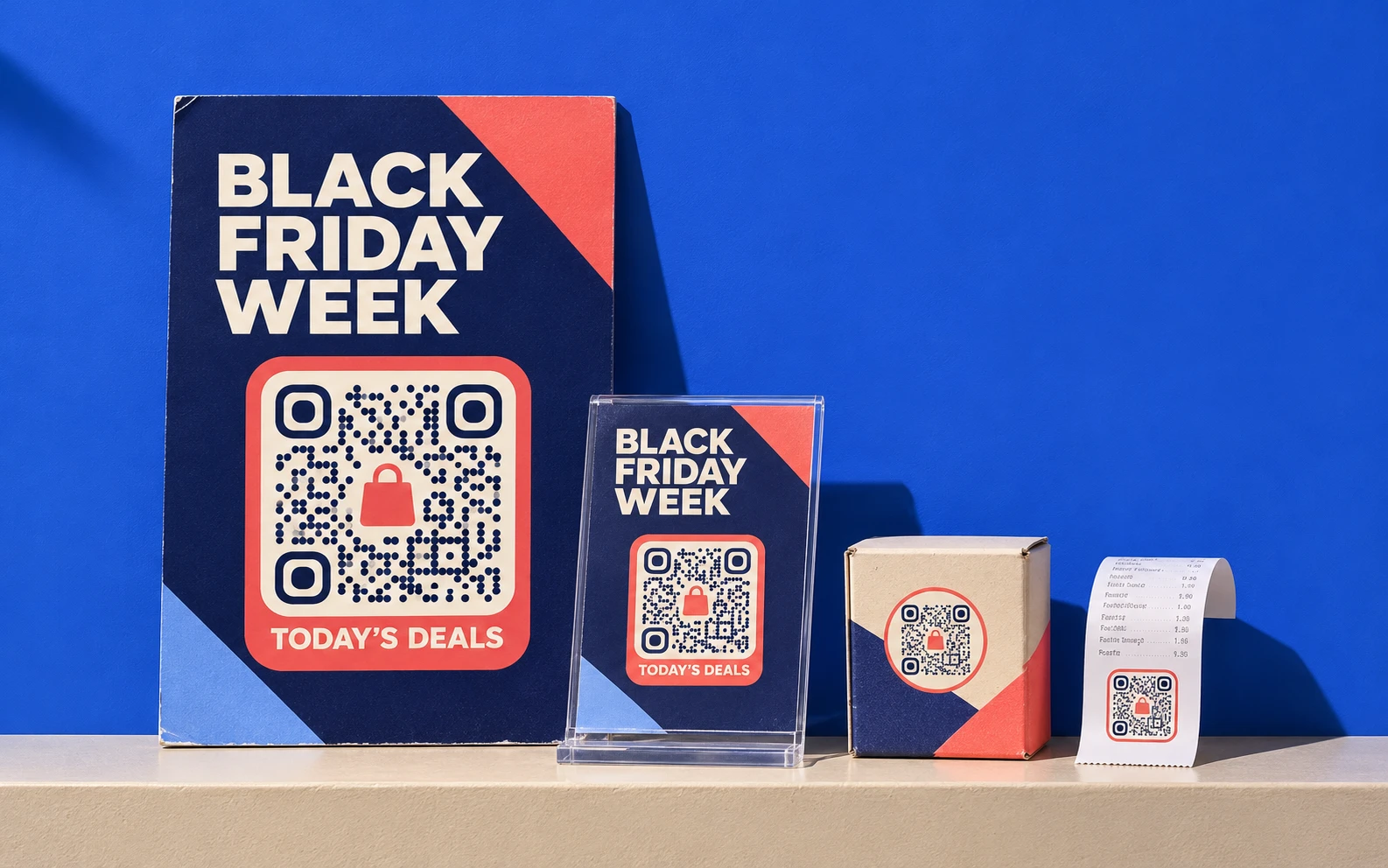
Black Friday week: change what a printed QR code opens, without reprinting
Black Friday is on 27 November and Cyber Monday on 30 November. How to plan what each printed QR code opens, day by day, and once the offers end.
Five checks before you print a QR code on a million packs
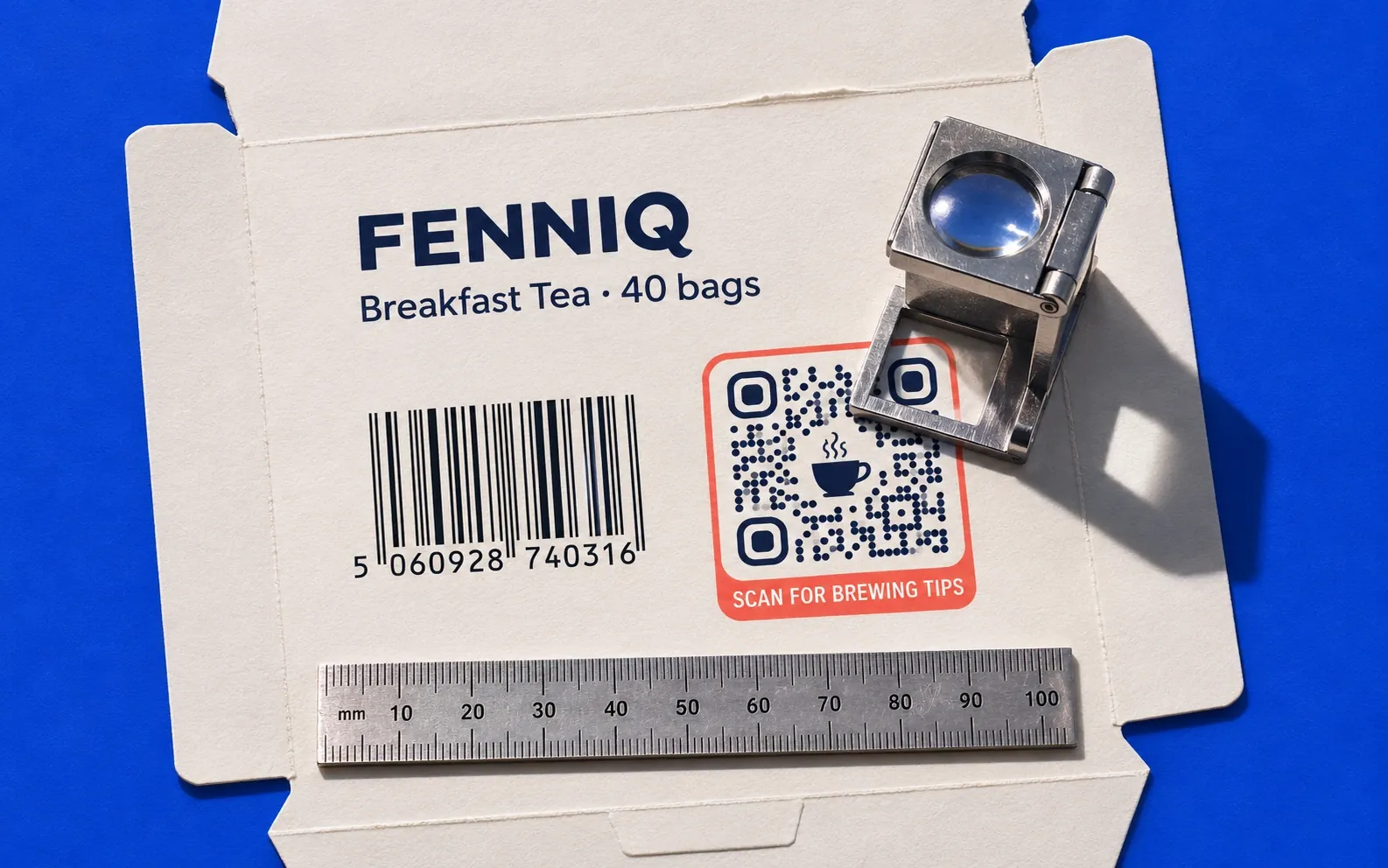
Link length, module size, contrast, quiet zone and testing: five checks from the QR code standard and GS1’s rules before a code goes on a million packs.
Try QRCodeKIT Pro free for 7 days.
No credit card required. The original dynamic QR code platform since 2009.
Black Friday50% off your first year on annual plans, until Monday 30 November.
